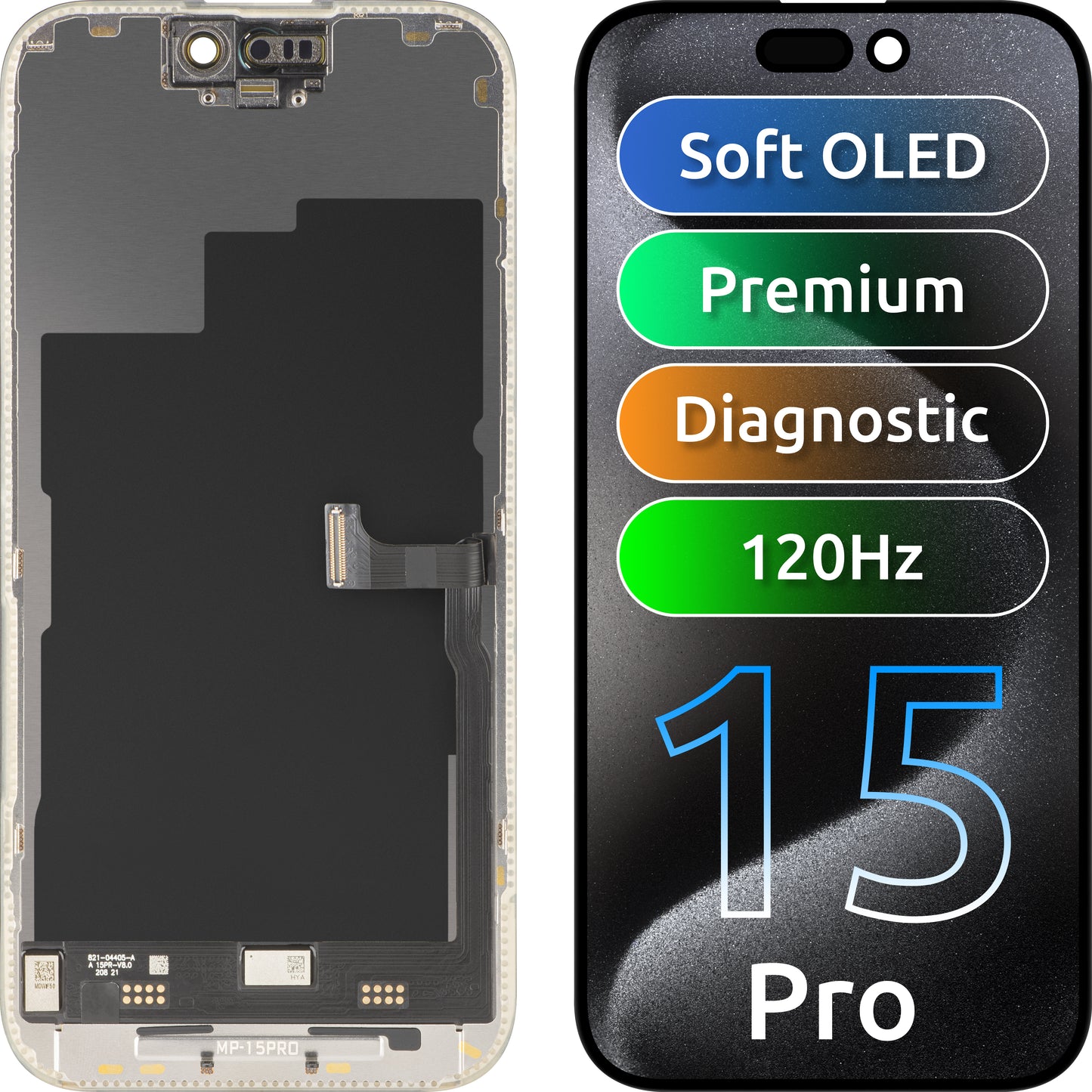
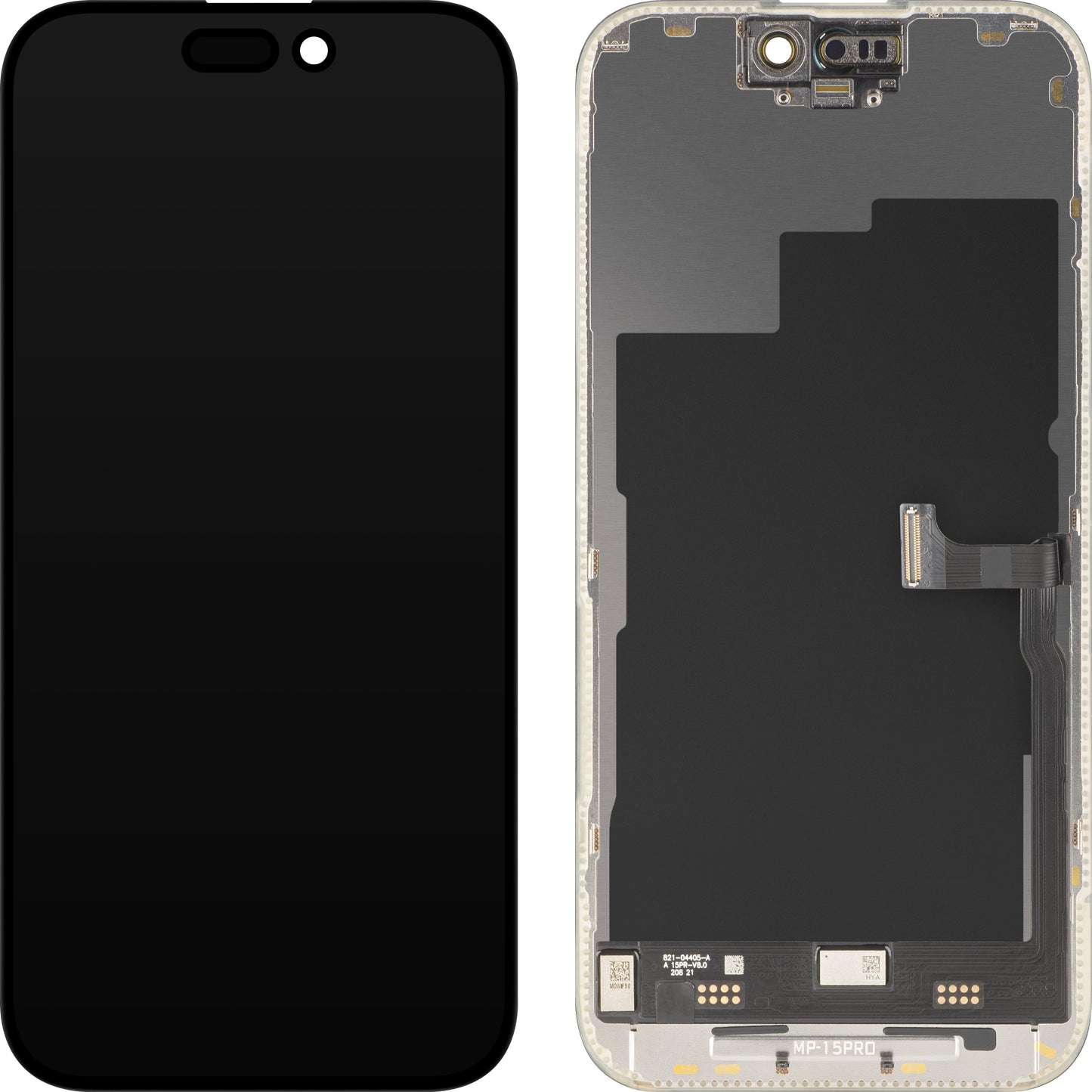
- Diagnostic screen - No IC transfer required; quick and efficient installation
- FHD resolution - Clear details and true-to-life colors
- 120Hz refresh rate - Smooth performance, stutter-free scrolling, and an enhanced visual experience
- No warning messages - The "Unknown Part" notification does not appear after installation
- Full compatibility - Works perfectly with iOS 18 and earlier versions
- True Tone ready - Supports repeated writing with no limitations
- LTPS technology - Optimized power consumption and superior brightness
- Desi- 360-degree anti-glare design - Clear, uniform visibility from any angle, even in direct sunlight
- COF technology with ultra-narrow bezels - Expanded display area for a wide, immersive visual experience
Repair Assistant activation instructions:
1. Make sure your phone is up to date

2. Go to Settings > General > About > Parts & Service History

3. Tap "Restart & Finish Repair" to activate Repair Assistant

4. Follow the on-screen steps to complete calibration

5. Once complete, the display will work perfectly, with no notifications about non-genuine parts
Notes:
- The iPhone must be connected to Wi-Fi
- The battery level must be above 20%
- If the process fails, restart the device and try again
- If the repair is not completed, certain functions (Face ID, Touch ID) may be affected until calibration is complete